
SharpOS: your work, visible without asking.
You get a private workspace, included with your plan and never billed separately. This week’s queue, the drafts waiting on your approval, the site audits, the analytics, the asset library and everything already shipped sit in one place you can open at any hour — instead of a status call, a board nobody updated, a shared folder and an email asking where something is. Inside it: Pages, Boards, Studio, Analytics, Audits, Customers, Media Center and Organization.
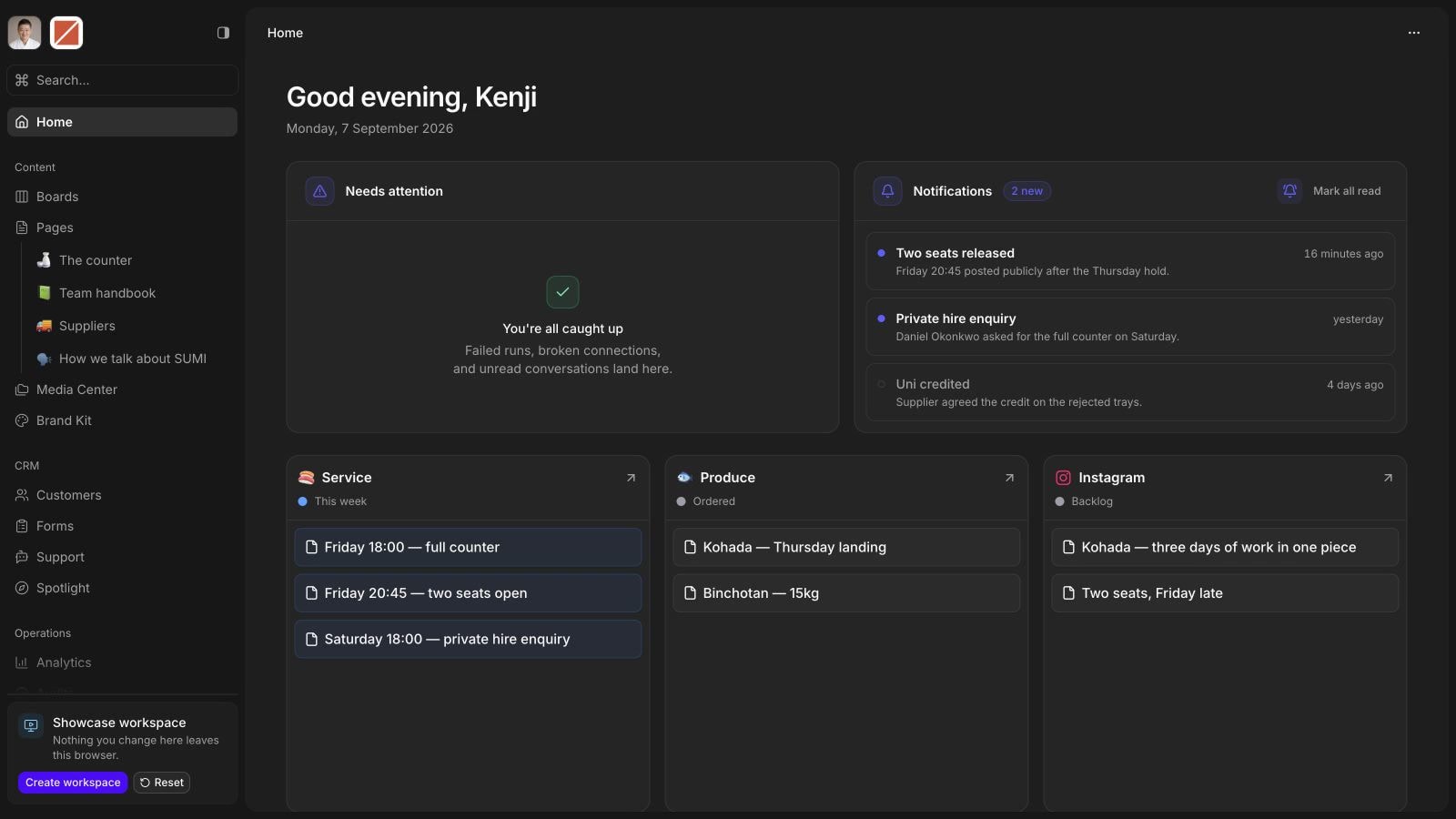
The stack you don’t pay for any more.
Most owners running a small marketing operation are paying for a Frankenstein stack of single-purpose tools. SharpOS replaces the layer that used to sit on top of all of them.
 Notion
 Confluence replaced by Pages
 Trello
 Asana replaced by Boards
 Salesforce
 HubSpot replaced by Customers
 Google Forms
 Typeform replaced by Forms
 Semrush
 Lighthouse replaced by Audits
 Google Drive
 Dropbox replaced by Media Center
 Figma
Figma Canva replaced by Studio
- A brand guidelines PDF replaced by Brand Kit
 Zapier
 n8n replaced by Automations
 Intercom
 Zendesk replaced by Support
 Linktree
 Bio.link replaced by Spotlight
 Google Calendar
 Google Sheets
 Cal.com
 Resend
 WhatsApp
 Facebook
 ElevenLabs
 OpenAI
 OpenRouter connected in Integrations
 Looker
 Google Analytics replaced by Analytics
- Asking for an update, then waiting on the reply replaced by Live work, all the time
Included with every plan.
No workspace fee, no per-seat pricing, no portal add-on bolted onto the engagement. It comes with the subscription because it is how the subscription works.
Try SharpOS free for 30 days.
A demo is your own SharpOS account, free for 30 days and with no SharpHaw plan behind it. You create the workspace, invite whoever you want into it, and open every surface yourself.
That is long enough to put real work through it: brief something, watch it move across the board, run an audit of your site, and export anything you want to keep. If you go on to a plan afterwards, the same workspace is included at every tier, with no separate fee.
A focused 30 minutes, not a sales pitch.